Molecules
SDF Input
Load scientific data with COSMolKit, then pass the molecule directly to a scene:
from cosmolkit import Molecule
from cosmol_viewer import Scene, BallAndStick, StickStyle, SphereStyle

sdf = open("ligand.sdf", encoding="utf-8").read()
molecule = Molecule.from_sdf(sdf)
scene = Scene()
scene.add(molecule)
scene.recenter_on(molecule)
COSMolKit Integration
The viewer imports each live cosmolkit.Molecule once through its transfer
binary. Scene operations and selections share that immutable native snapshot.
Stored coordinates are required: generate coordinates explicitly in COSMolKit
when needed. Multiple 3D conformers require an explicit style conformer(id).
To display changes while an old import is still live, pass a new CK object.
Representations
scene.set("molecule", molecule)  # default BallAndStick
scene.set("molecule", molecule, StickStyle())
scene.set("molecule", molecule, SphereStyle())
The stick representation retains double and triple bond separation and renders aromatic bonds as a single stick with an inner aromatic line.
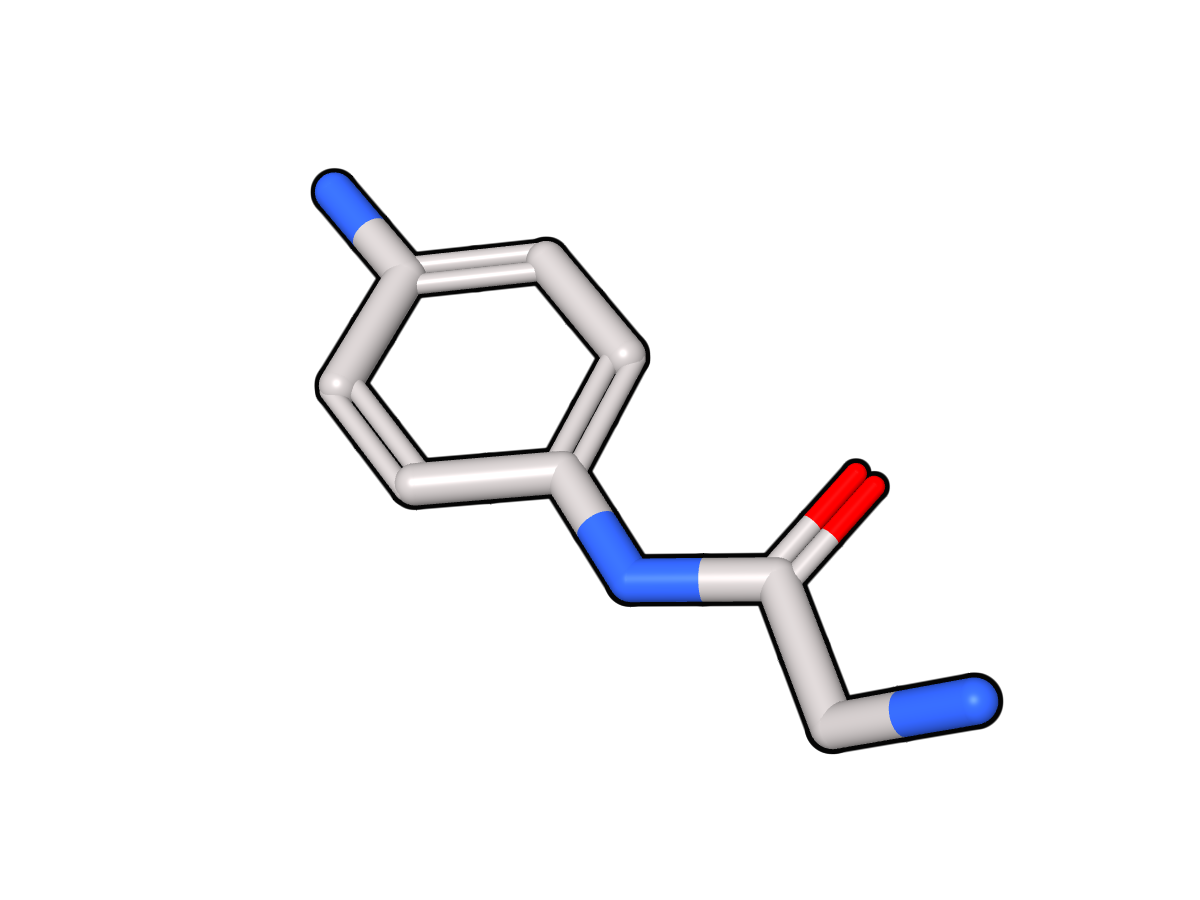
A molecular stick rendering produced by COSMol Viewer.
Materials and Outlines
Scientific styles support color(), opacity(), roughness(), and
metallic(). Apply outlines to the representation:
style = BallAndStick().roughness(0.55).metallic(0.0).outline("#101010", 0.04)
scene.set("molecule", molecule, style)
roughness and metallic use values from 0 to 1. Scientific data stays in
COSMolKit; display styles do not change molecule coordinates or chemistry.